




Every query scoped to your school
Every query EduOnPoint runs is scoped to the school it belongs to, so your records are only read for your school.


EduOnPoint is school management for Cameroon schools, from nursery to Upper Sixth, in English and French. Admissions, fees in XAF, attendance, marks and report cards (bulletins) all read from one record per pupil.

5 schools use EduOnPoint, from Form 1 to Upper Sixth and 6ème to Terminale
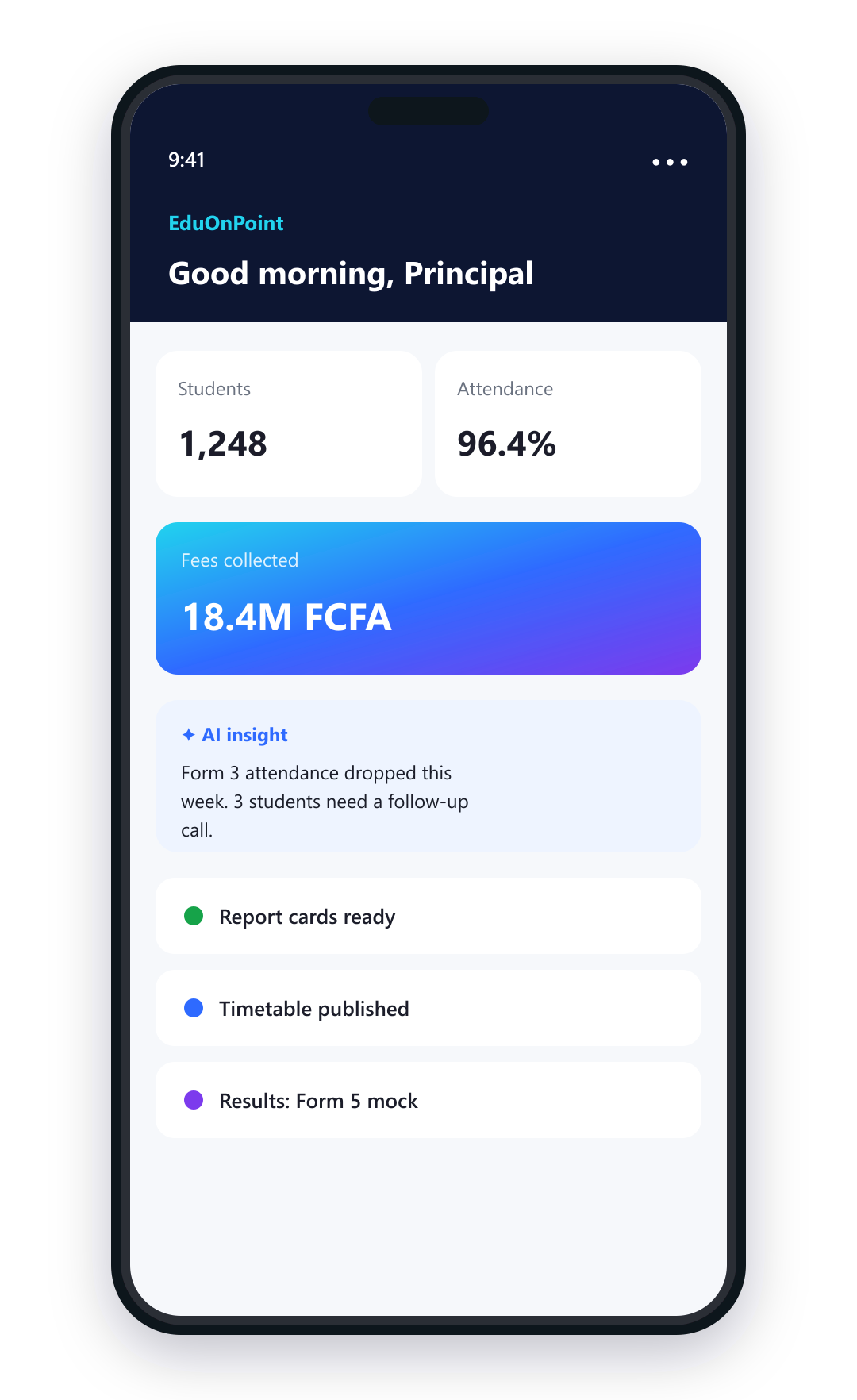
EduOnPoint is for Cameroon schools from nursery to Upper Sixth — English, French, bilingual and technical.
Pupils, parents, teachers and staff. Admission opens one record per pupil that every other module reads from.
Classes, subjects, timetable, attendance, marks, competencies, homework, comment bank, discipline and report cards (bulletins).
GCE registrations and national examination candidates, prepared from the records you already keep.
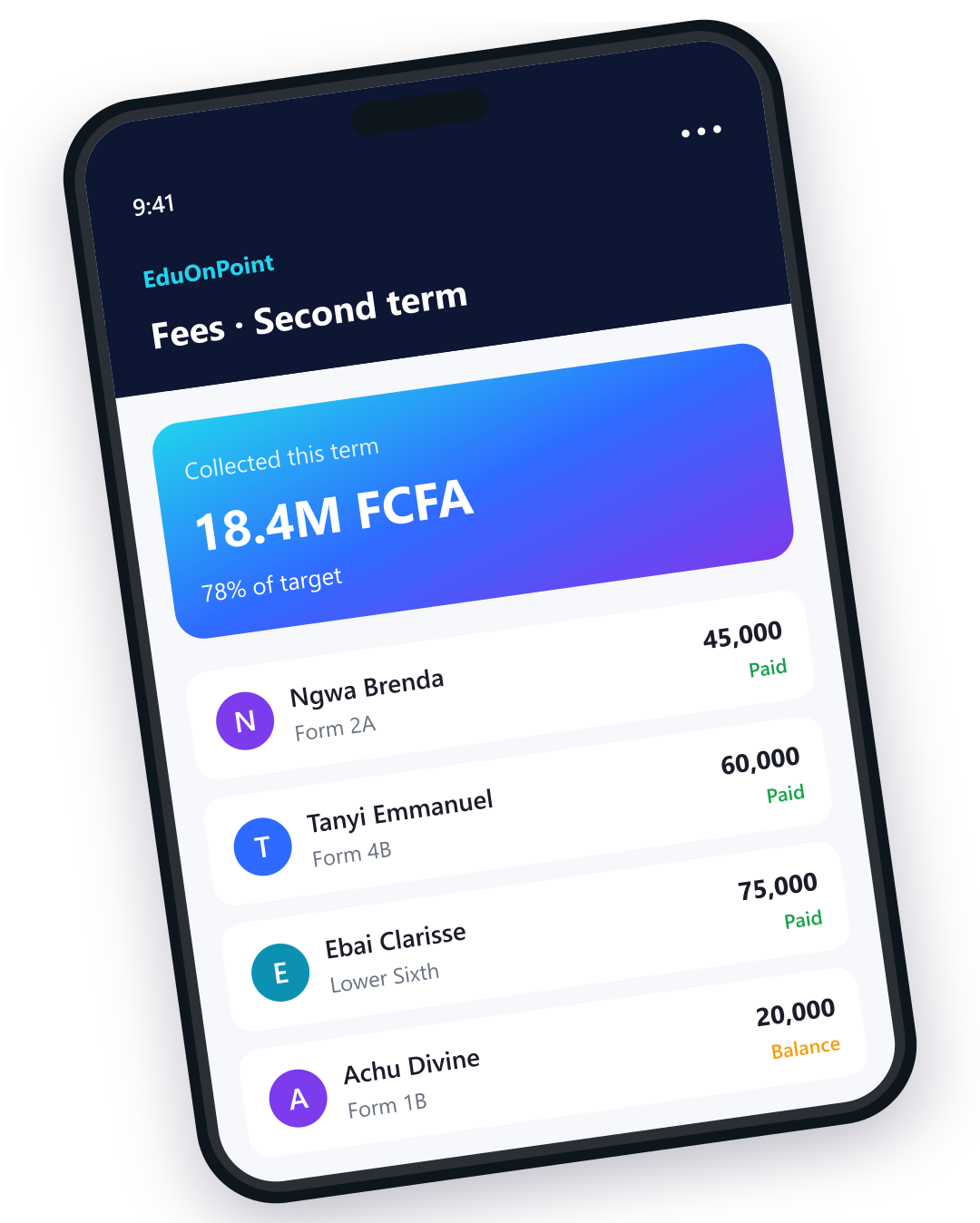
Fee plans, tranches, discounts, receipts and a running balance for every pupil.
Ad-hoc charges, accounts and ledger, and payroll for your staff.
Keep track of the school's books and who has borrowed them.
Boarders and their rooms, kept on the same pupil record.
Which pupils use the school's transport, alongside the rest of their record.
Messaging, notices, and events & calendar for staff, parents and students.
Attendance, results and fees reports for school leaders and proprietors.
165 permissions you can edit per role, so each person sees only what their job needs.
Switch the whole interface between English and French, for English, French, bilingual and technical schools.
Role portals
Record types
Permissions, editable per role
Automated checks, all passing
Schools use EduOnPoint
Role portals, one platform

Trusted by St Alessandro University Institute and Hospital

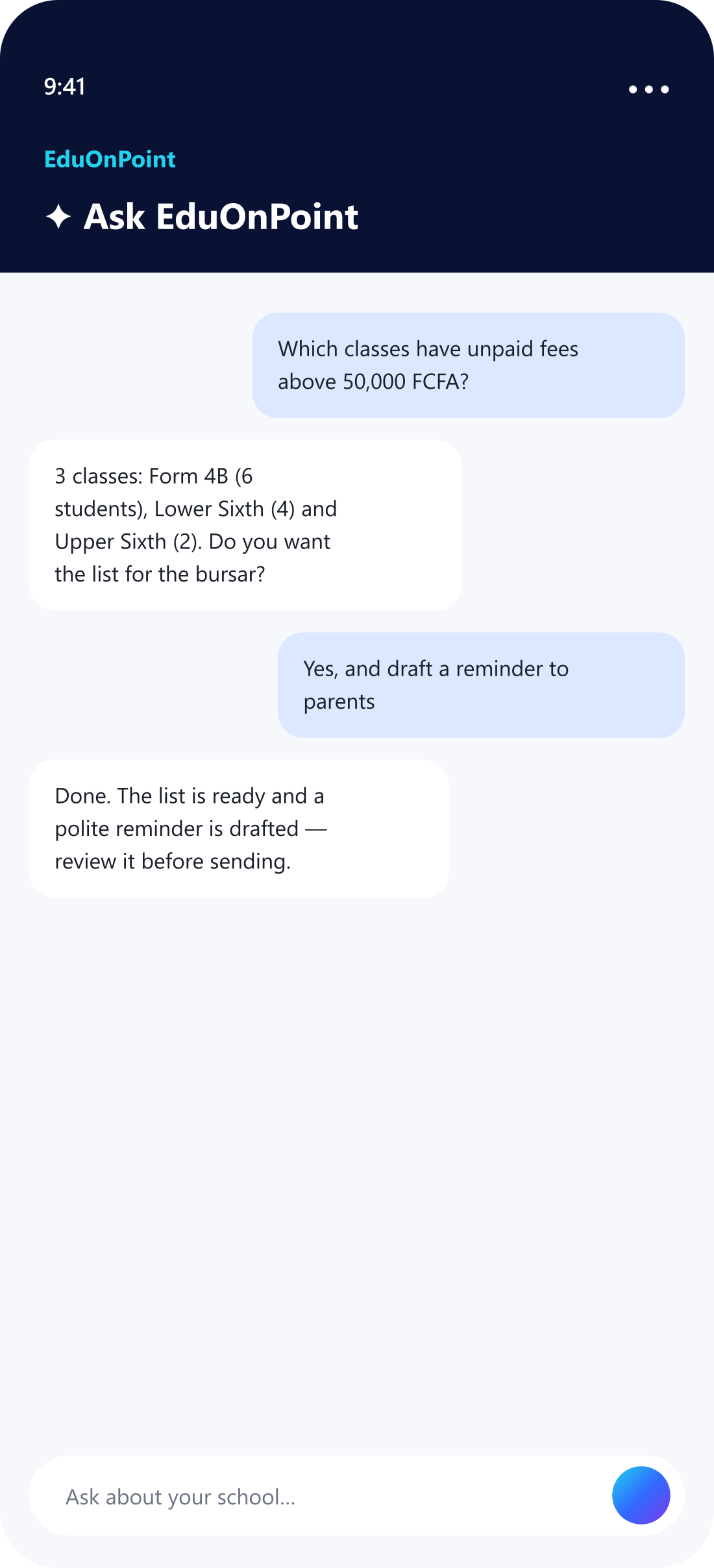
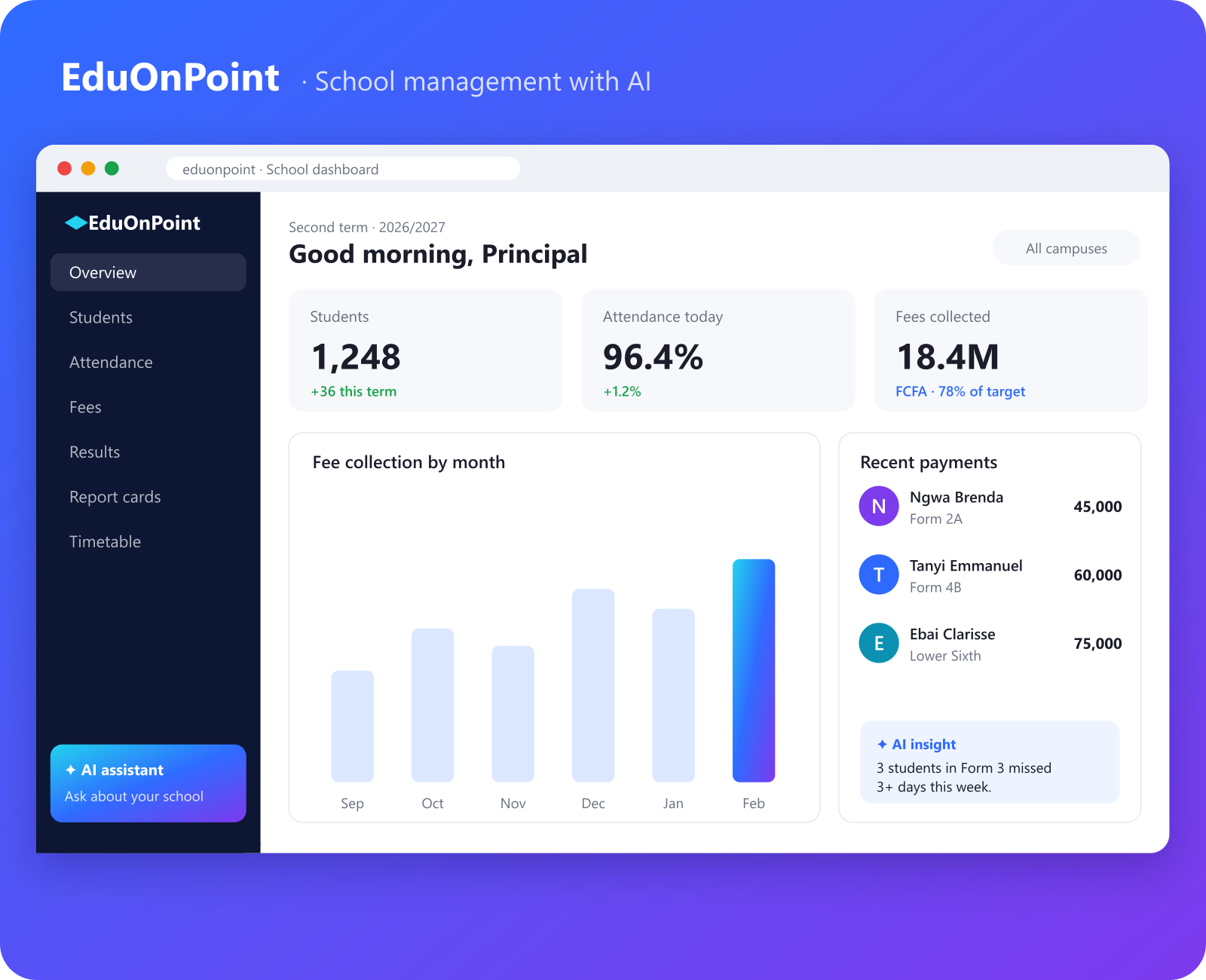
EduOnPoint works on the phones and computers your school already has, at about 78 KB a page, light enough for metered connections. This is the live administrator dashboard, with the FR language switch and "Ask Eddie".
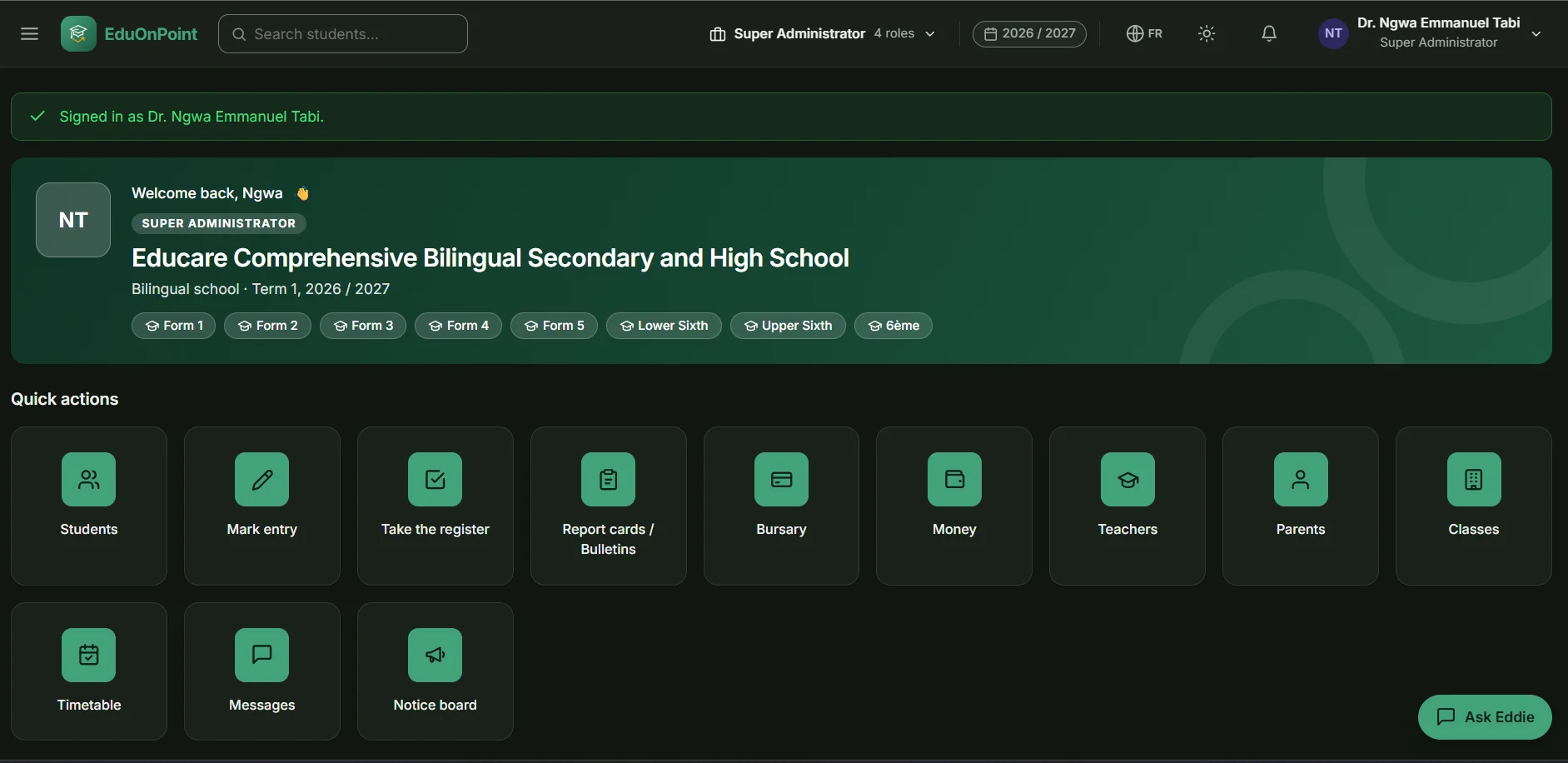
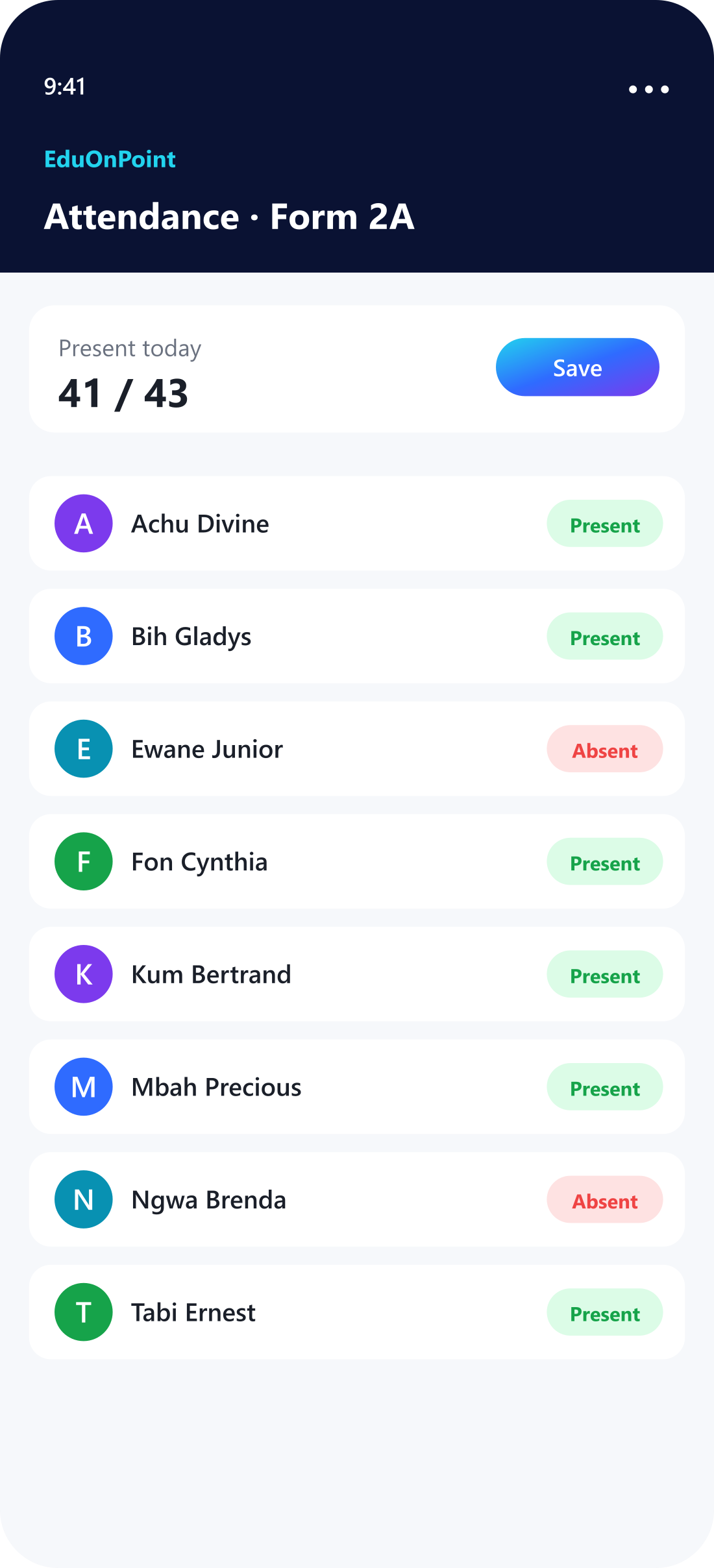
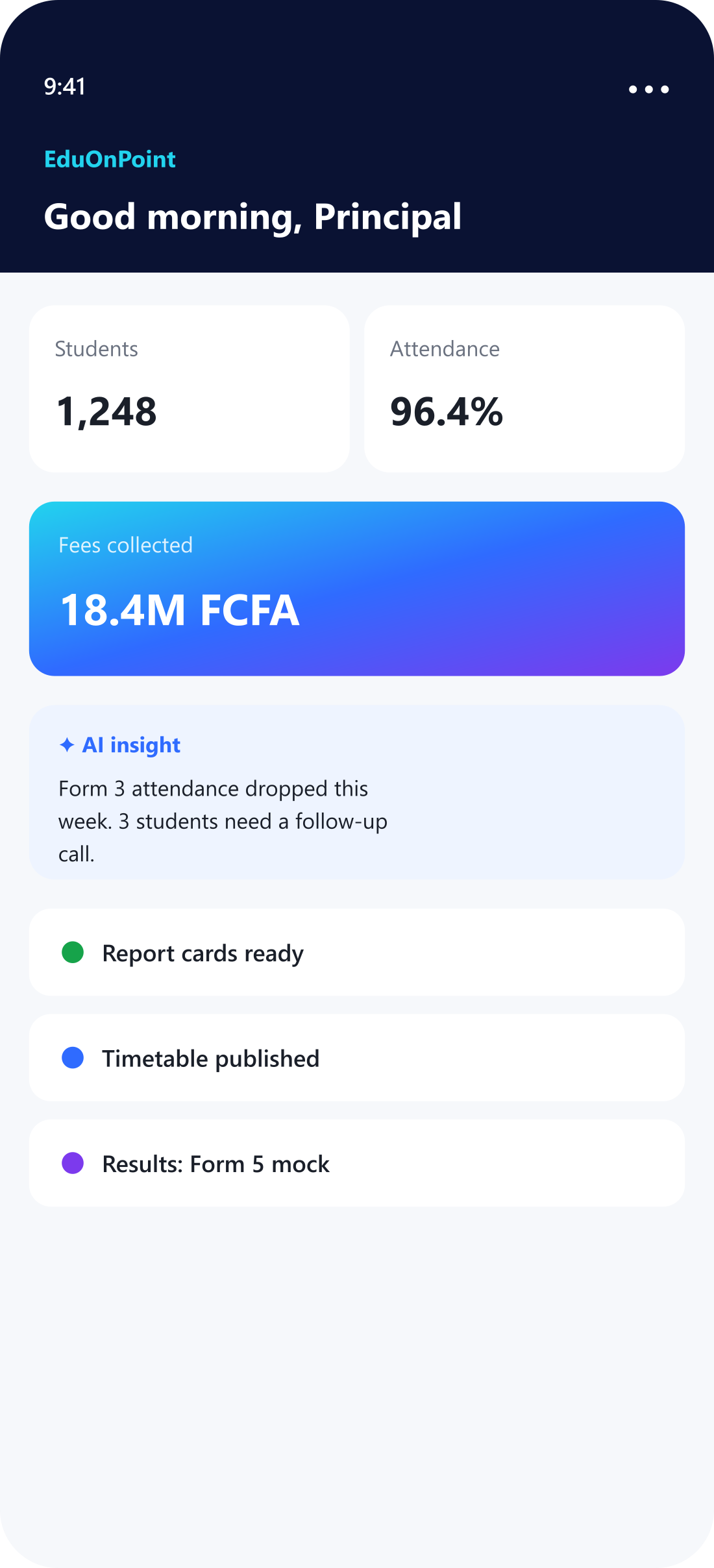
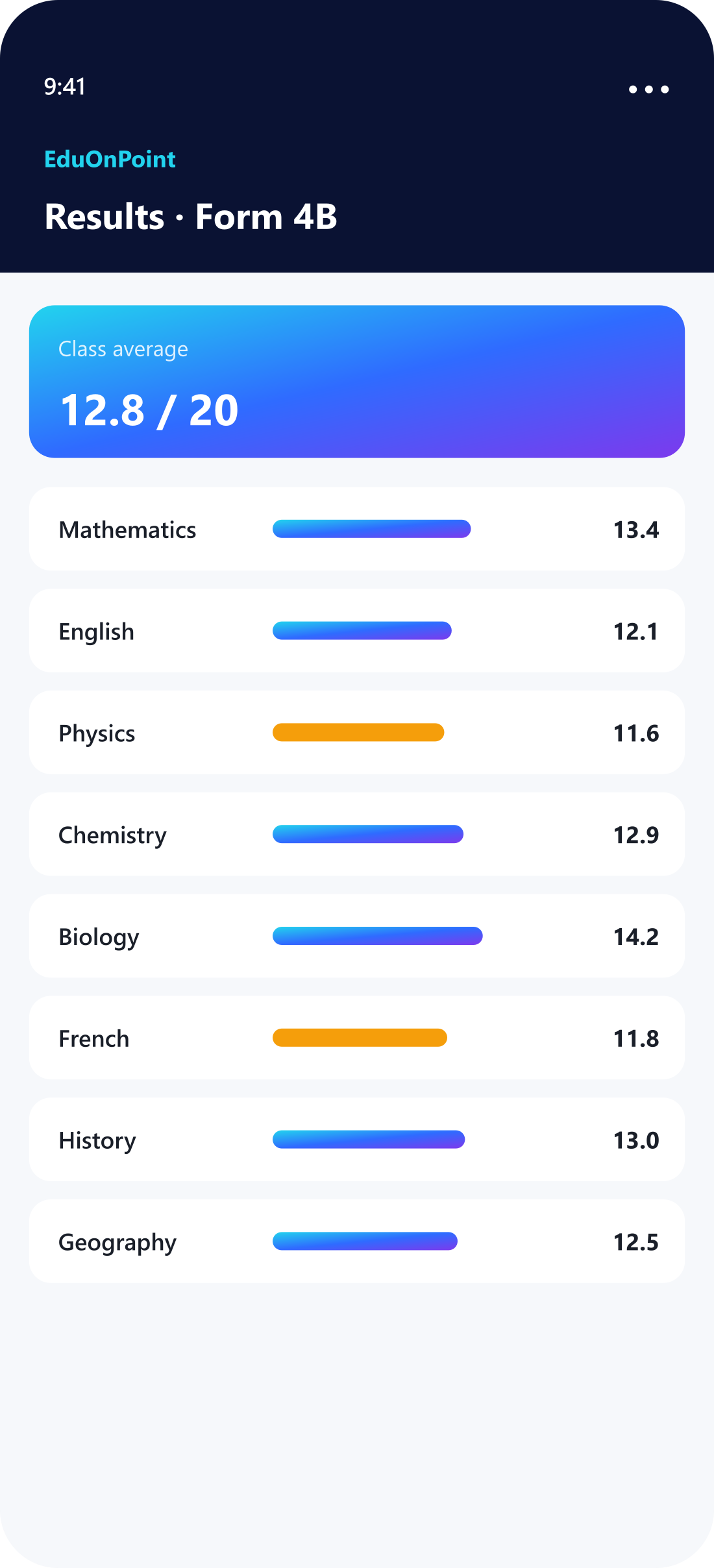
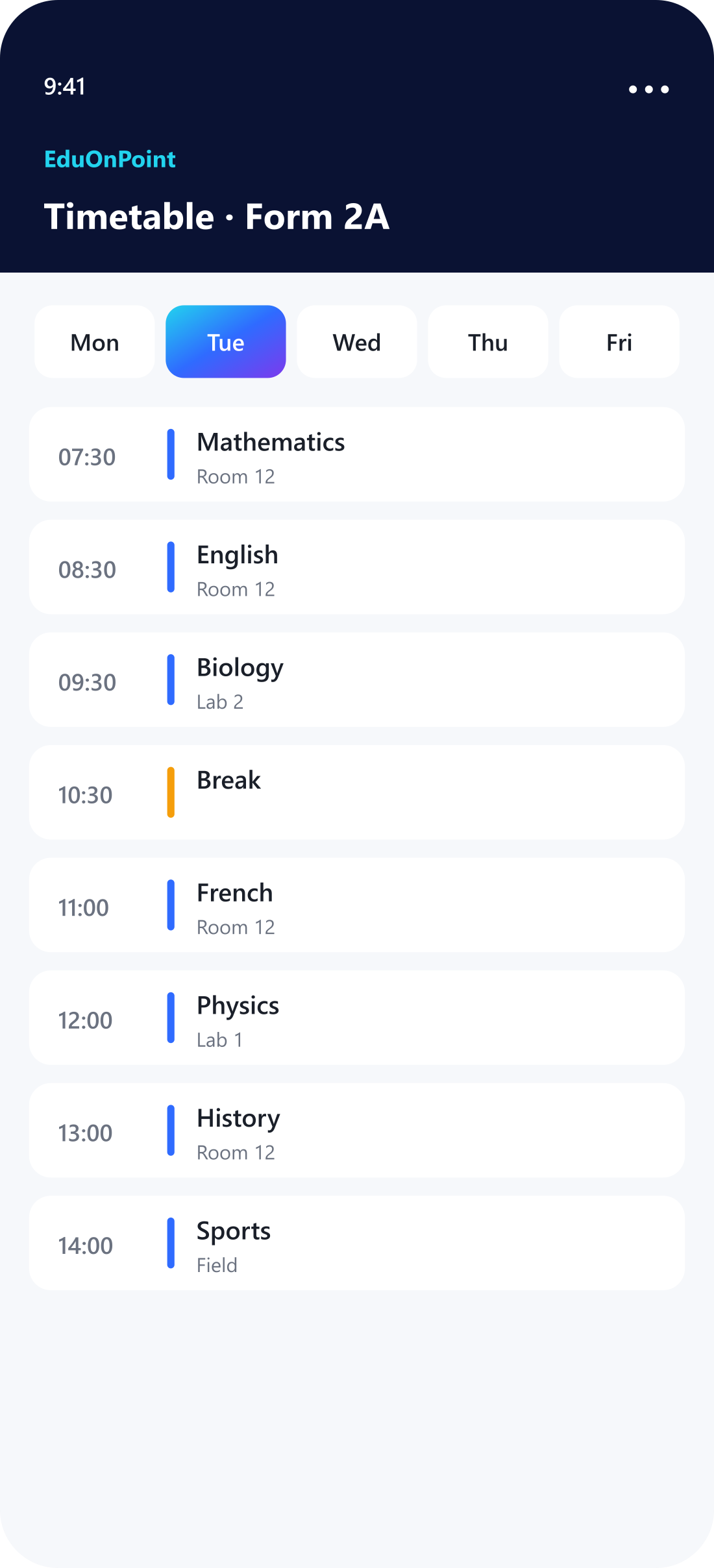
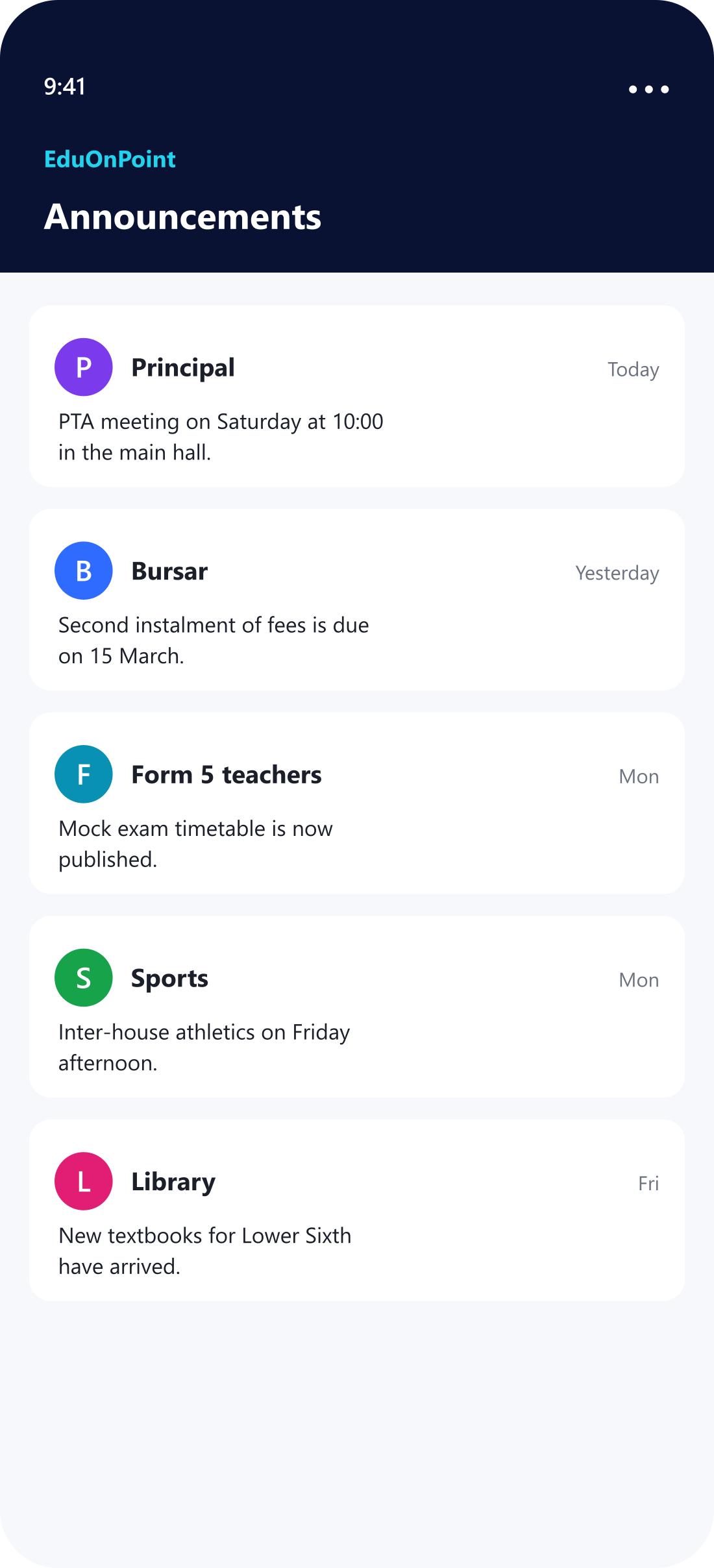
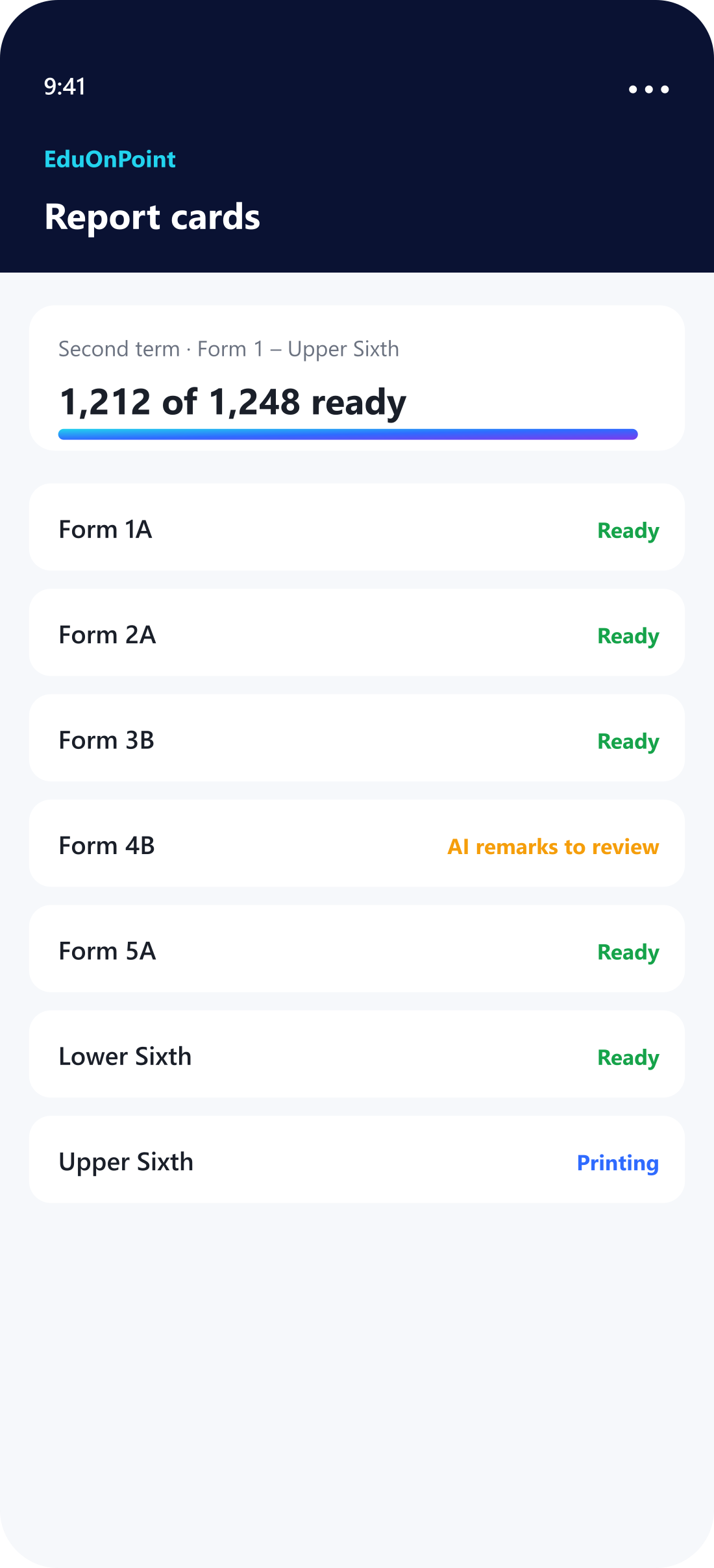
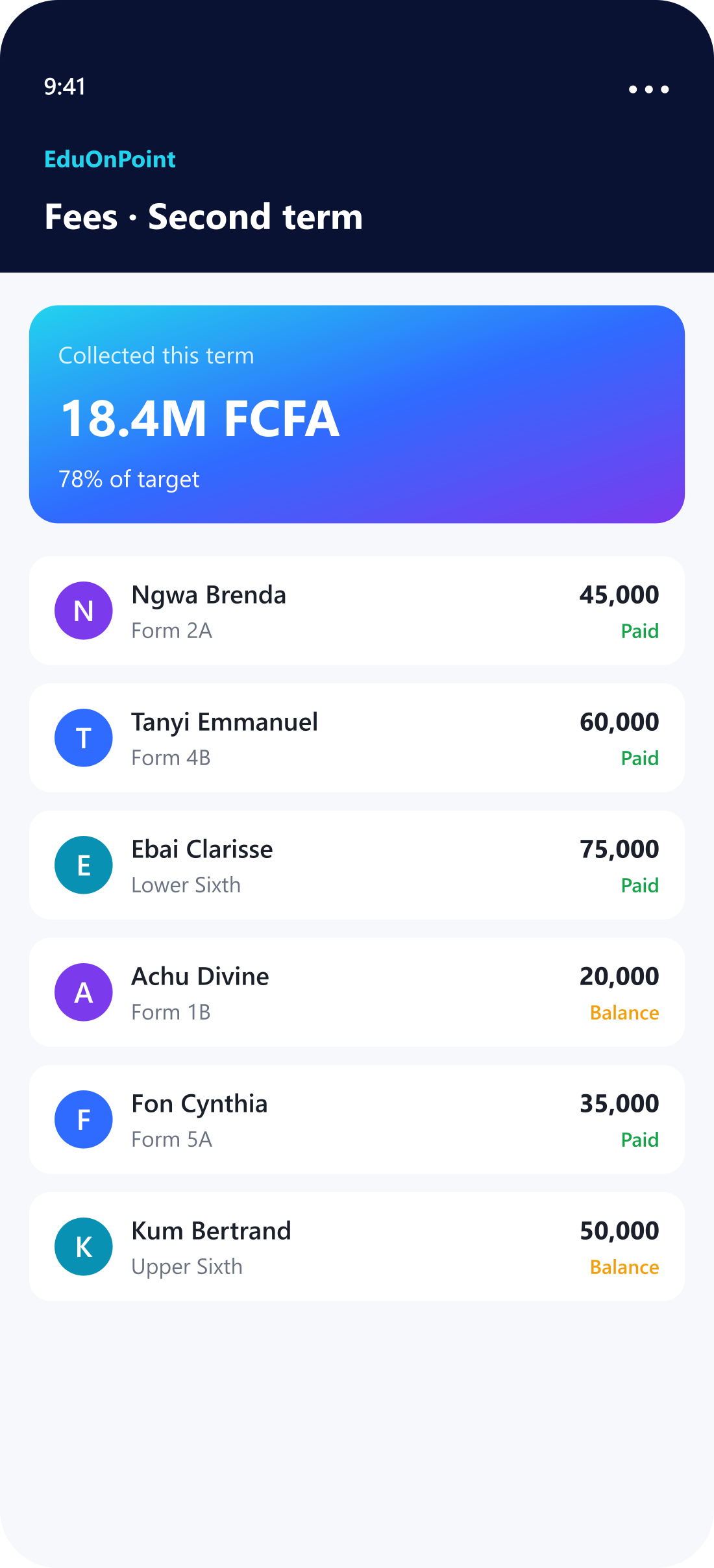
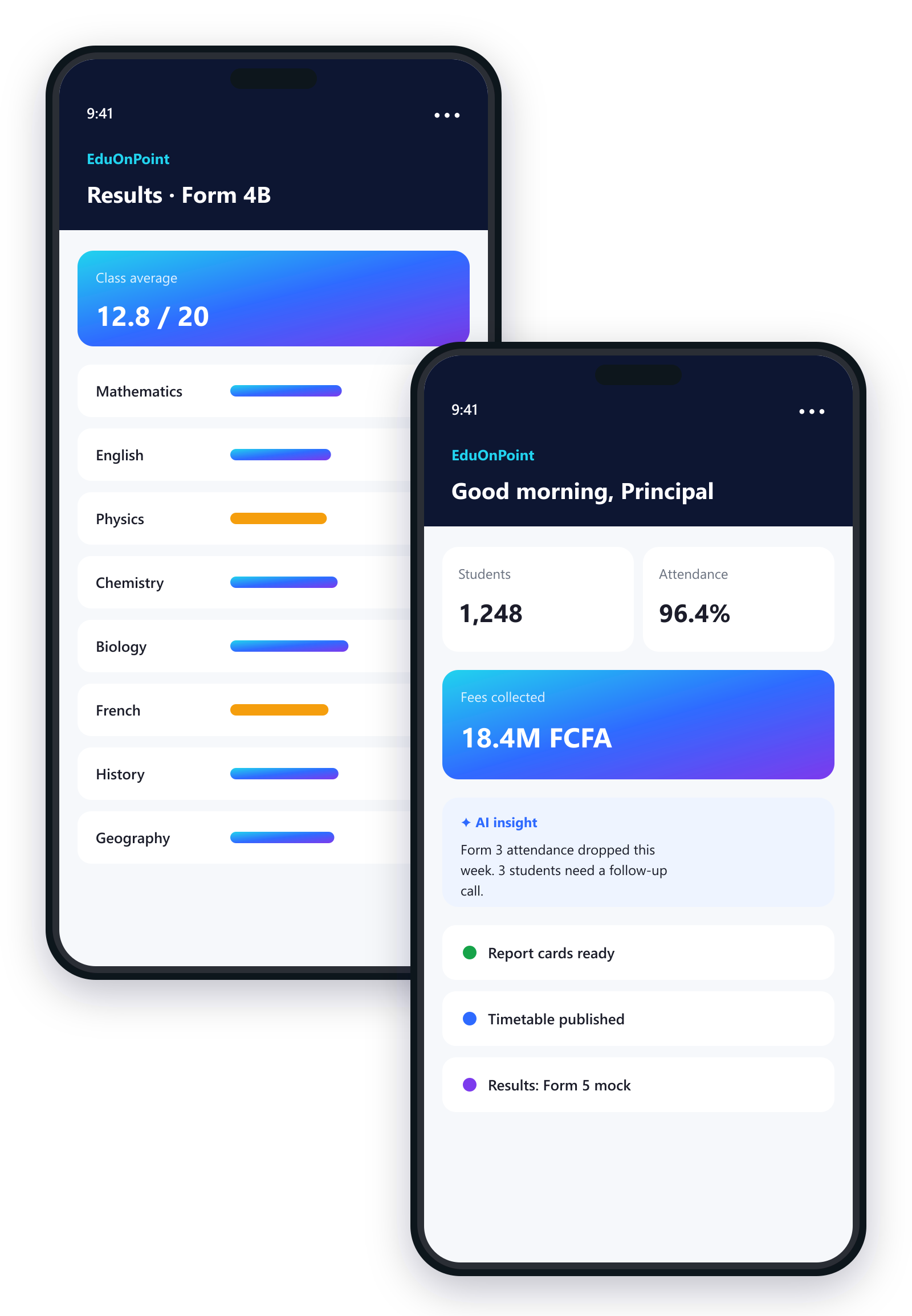
Proprietors, administrators, teachers, and parents & students each get their own portal, built from the same record per pupil.

Every school you own, side by side: enrolment, fees collected, attendance and results, without waiting for paper reports.
Proprietors
Every school side by side
Admissions, bursary, timetable, report cards, GCE registrations and staff, with permissions you set for each role.
Administrators
Run the school day to day
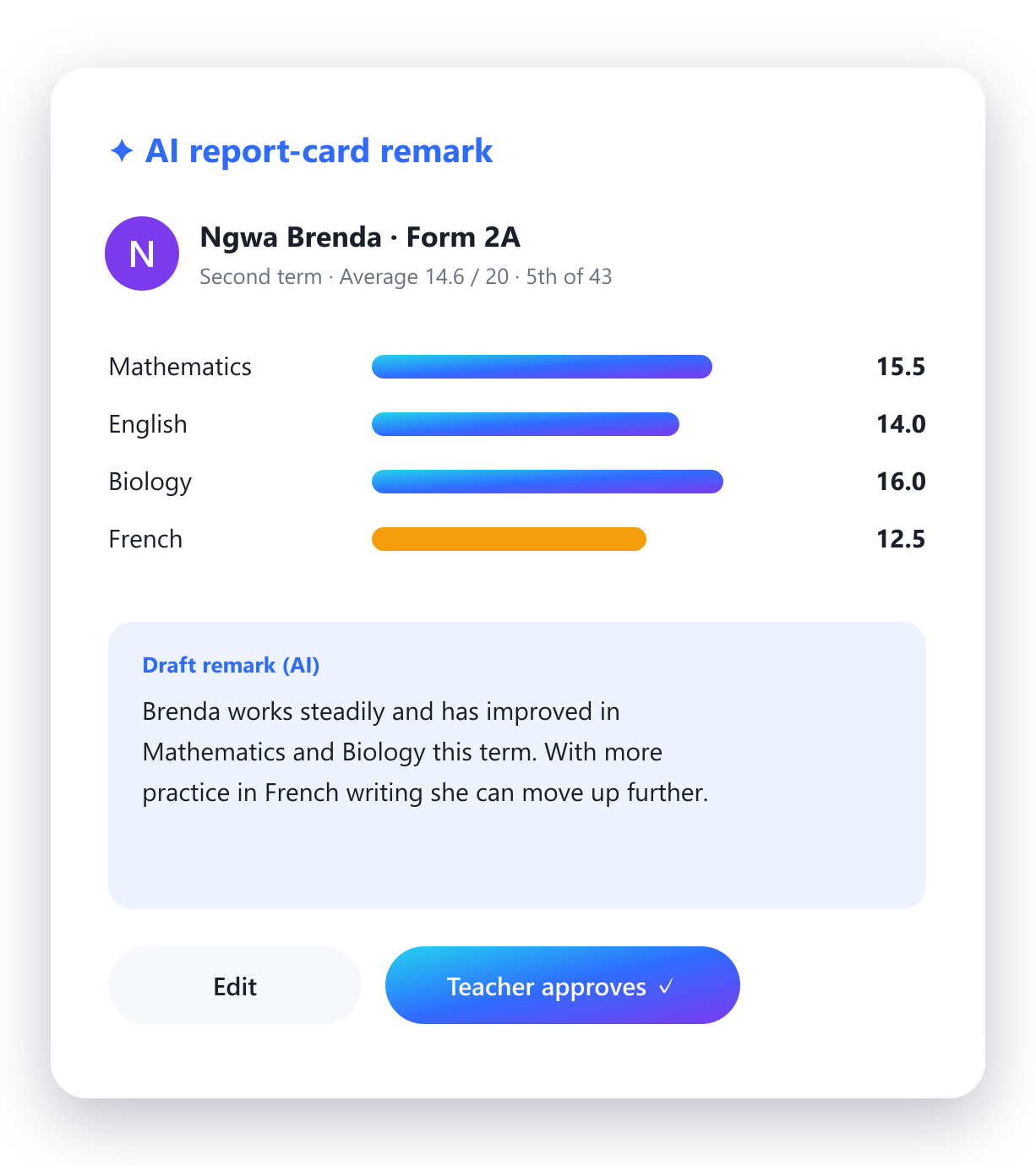
Take the register, enter marks, set homework, record competencies and use the comment bank for report cards.
Teachers
More time for teaching
Parents sign in on a phone with the number the school already holds, and see only their own child.
Parents & students
Stay informed from a phoneEvery query EduOnPoint runs is scoped to the school it belongs to, so your records are only read for your school.

Each school on EduOnPoint is kept apart from every other school. One school never sees another school's records.

A parent signs in with the phone number the school holds and sees their own child's record, nobody else's.

Decide exactly what each role can see and do: a bursar works on fees, a teacher on their classes.
A person from our team in Bamenda answers on WhatsApp, by phone or by email — whichever you used. We ask a few questions about how you work today.
We show the product with examples close to yours, on your phone or computer, online or at your premises. Bring your questions and the people who will use it.
We give each school a written quote after the demo, based on what you need. You will know the price before anything is set up.
We import your pupils and classes first, then add fees, attendance and marks. You choose the date EduOnPoint becomes your official record, we train each team on the parts they use, and our team in Bamenda supports you after launch.
Book a demo
Tell us your sub-system, roughly how many classes you have and how you collect fees today. We will show you EduOnPoint set up like your school.
No account, no payment. Your message opens in WhatsApp, ready to send — nothing is stored on this website.
Tell us about your school: its sub-system, number of classes and how you collect fees today. We will reply with a quote for your school. You can also reach us at contact@velloragroup.tech.