


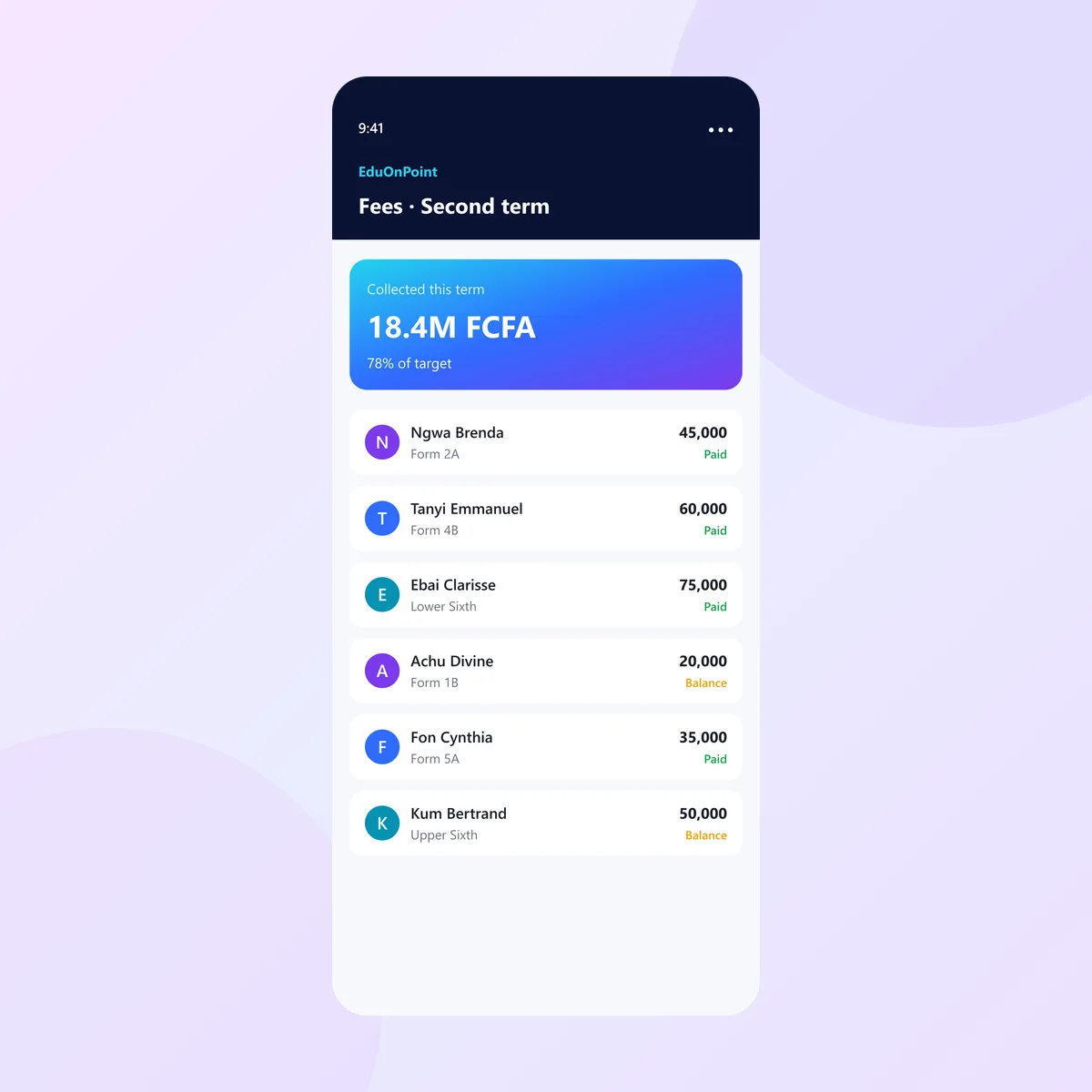
In most Cameroonian schools, fees are the one record everybody cares about: the proprietor, the bursar, the principal and every parent.
Yet in many schools the truth about who has paid what lives in a receipt book, a notebook and a spreadsheet that do not agree with each other. This guide covers what good fee management looks like, what to ask before choosing software, and how to switch without losing a term's records.
Why fee records go wrong
The problems are rarely about arithmetic. They come from the same payment being written in several places:
- A parent pays a tranche at the bursary, but the receipt is not copied into the class list
- Discounts for siblings or staff children are agreed verbally and never recorded
- Ad-hoc charges (uniform, exams, transport) are collected separately from the main fee
- The report card or exam registration depends on fees, but the people preparing them cannot see the balance
What good fee management looks like
The fix is one record per pupil that every part of the school reads from. When the bursar records a payment, the balance updates everywhere — on the pupil's file, in the class list and in the proprietor's view.
In practice, that means your system should handle:
- Fee plans per class or section, in XAF, with tranches and their due dates
- Discounts and scholarships recorded once, with who approved them
- Receipts generated from the payment itself, so the receipt and the balance always match
- Ad-hoc charges on the same account as the main fees
- A running balance per pupil that parents can see without queueing at the bursary
Questions to ask before you choose software
- Does it handle both sub-systems if you run English and French sections — Form 1 to Upper Sixth and 6ème to Terminale?
- Can each role see only what it needs? The bursar, the principal, teachers and parents should not all see the same screens.
- Does it work on the connections your staff and parents actually have? Heavy pages fail on metered data.
- Can a proprietor with several schools see them side by side?
- Who owns the data, and can you export it?
How to switch without losing a term
Do not try to move everything at once. A safer order:
- Import pupils and classes first, and check the lists with each class master
- Set up fee plans and enter opening balances from your current records
- Run the new system alongside the receipt book for a few weeks
- Agree a date when the new system becomes the official record — and stop using the old one
EduOnPoint was built for exactly this: one record per pupil, fees in XAF with tranches, discounts, receipts and a running balance, parents' access with the phone number the school already holds, and pages light enough for metered connections (about 78 KB a page). It is used by 5 schools in Cameroon.
See your school's fees in EduOnPoint
Tell us your sub-system and how you collect fees today. We will show you EduOnPoint set up like your school.